
01
Windows
Volume desktop installer
EXE installerDownload platformDownload MetaTrader 5 for desktop or mobile, then select VolumeGroupsFX-Server when signing in using credentials supplied by the company.
These download links were provided by the Volume team. Installation and sign-in happen outside this website and require account details supplied by the company.
Copy the exact name and find it inside MetaTrader 5.
Volume desktop installer
EXE installerDownload platformMetaTrader 5 for Apple devices
iOS linkDownload platformMetaTrader 5 for Android
Android linkDownload platformThis website does not create trading accounts or collect MT5 passwords. If a download link stops working, request an updated link from the Volume team.
General MetaTrader 5 download pageSwitch between desktop and mobile for an informational introduction — without invented trading data.
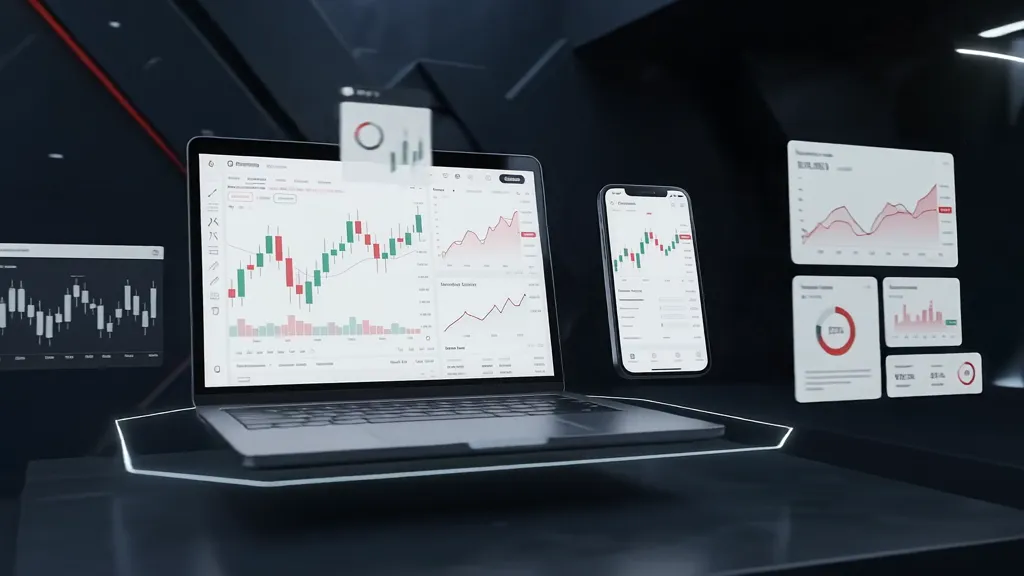 Illustration — not a real MT5 screenshot
Learn about using MT5 on desktop and navigating charts and windows before trying it.
The download links and server VolumeGroupsFX-Server are listed above. Account credentials must be obtained from the Volume team.
Register your interest to discuss approved details and terms with the team, with risk awareness first.